01
Generate Video in Up to 2K at 24fps
Choose 768P for drafts or 2560×1440 output at 24 frames per second when the final clip needs more visible detail.
Create videos from text, frames, and references
Create 5-15 second videos from text, frames, and references with synchronized audio and output up to 2K.
Create with MiniMax H3
Generate 5-15 second videos from text, a required first frame with an optional last frame, or multimodal references. Choose 768P or 2K output and customize your generation settings.
Images: width and height each 256–5760 px; width/height ratio 0.4–2.5.
Reference Media
Max 12 total: 9 images, 3 videos, 3 audio. Media 2-15s. Files 10/50/10MB.
1/12 files, 1/9 images, 0/3 videos, 0/3 audio
Available credits: 0
BIWA Character Introduction
Create a 15-second premium cinematic character reveal using the BIWA character sheet as the sole visual authority.
MiniMax H3 accepts text, image, video, and audio references. Combine only the materials your scene needs for more precise creative direction.
Prompt Guide
Name uploaded files directly in your prompt.
Use references such as @Image 1, @Video 1, or @Audio 1 so the model knows which material to use.
Material Limits
Supported Input Combinations
Note: Reference images, videos, and audio are optional. Add only the materials needed for your prompt.
Images
JPG, JPEG, PNG, WEBP, BMP, TIFF, or GIF. Up to 10 MB each.
Videos
MP4 or MOV. 2 to 15 seconds, up to 50 MB each.
Audio
MP3 or WAV. 2 to 15 seconds, up to 10 MB each.
See the model in motion
Watch short videos created for product advertising, cinematic storytelling, fashion, music, game concepts, and interface animation. Hover over a video to play it with sound.
Find a starting point by scene or input mode. Explore prompts and reference images from our H3 and H3 Max collections.
Browse all examplesControl the image, motion, and sound
Create short-form AI video with 768P or 2K output, synchronized stereo audio, first-and-last-frame control, mixed references, and six aspect ratios.
Choose 768P for drafts or 2560×1440 output at 24 frames per second when the final clip needs more visible detail.
Generate dialogue, ambience, music, and physical sound in the same pass so audio follows the action on screen.
Combine up to nine images, three video clips, and three audio files to guide identity, movement, camera language, style, and sound.
Request a focused change to the action, framing, lighting, or sound while preserving the parts that already work.
Create title sequences, packaging shots, brand graphics, subtitles, and animated UI that remain part of the scene.
Generate landscape, square, portrait, or cinematic video in 21:9, 16:9, 4:3, 1:1, 3:4, or 9:16.
The model behind the generator
MiniMax H3 is a multimodal AI video model that creates short clips from written prompts, frames, and mixed media references.
MiniMax H3 understands text, images, video, and audio together, then generates the moving picture and stereo soundtrack as one result.
Use a written prompt when you want the model to invent the scene. Add a first or last frame when composition matters. Supply reference media when a subject, product, movement, camera rhythm, visual style, or sound needs clearer direction.
A single request can combine up to 12 reference materials: as many as nine images, three video clips, or three audio files, plus a prompt of up to 7,000 characters. Results still depend on input quality and the complexity of the requested action.
For practical prompt structures and reference instructions, read the MiniMax H3 prompt guide.
2K
Native resolution
24fps
Playback
12
Mixed references
7,000
Prompt characters
Stereo
Audio in one pass
From brief to finished clip
Choose the right generation mode, describe the shot and sound, add only the references you need, then select the output settings.
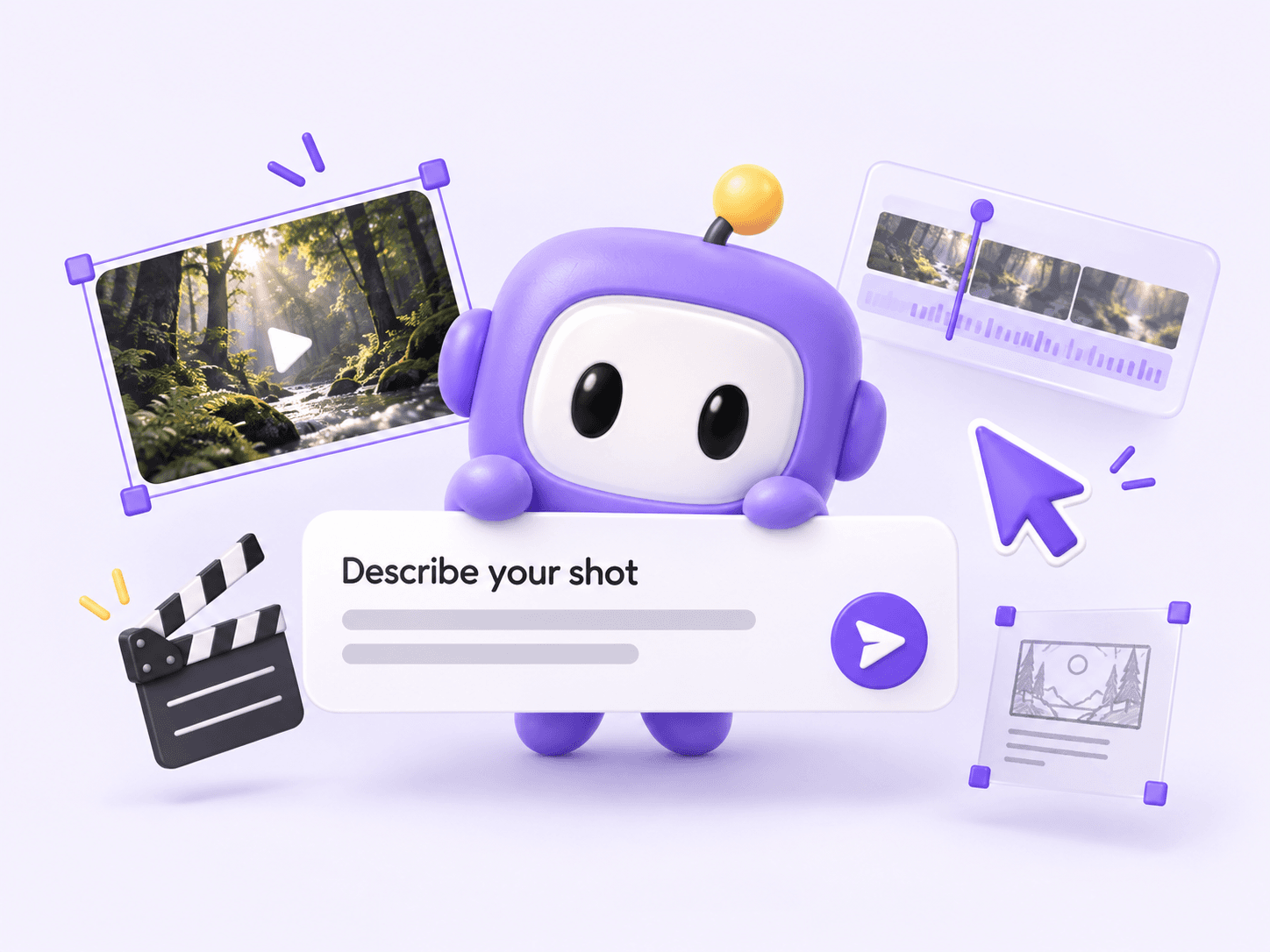
Start with text-to-video, first-and-last-frame control, or multimodal reference video. Describe the subject, action, camera, lighting, pacing, and sound.
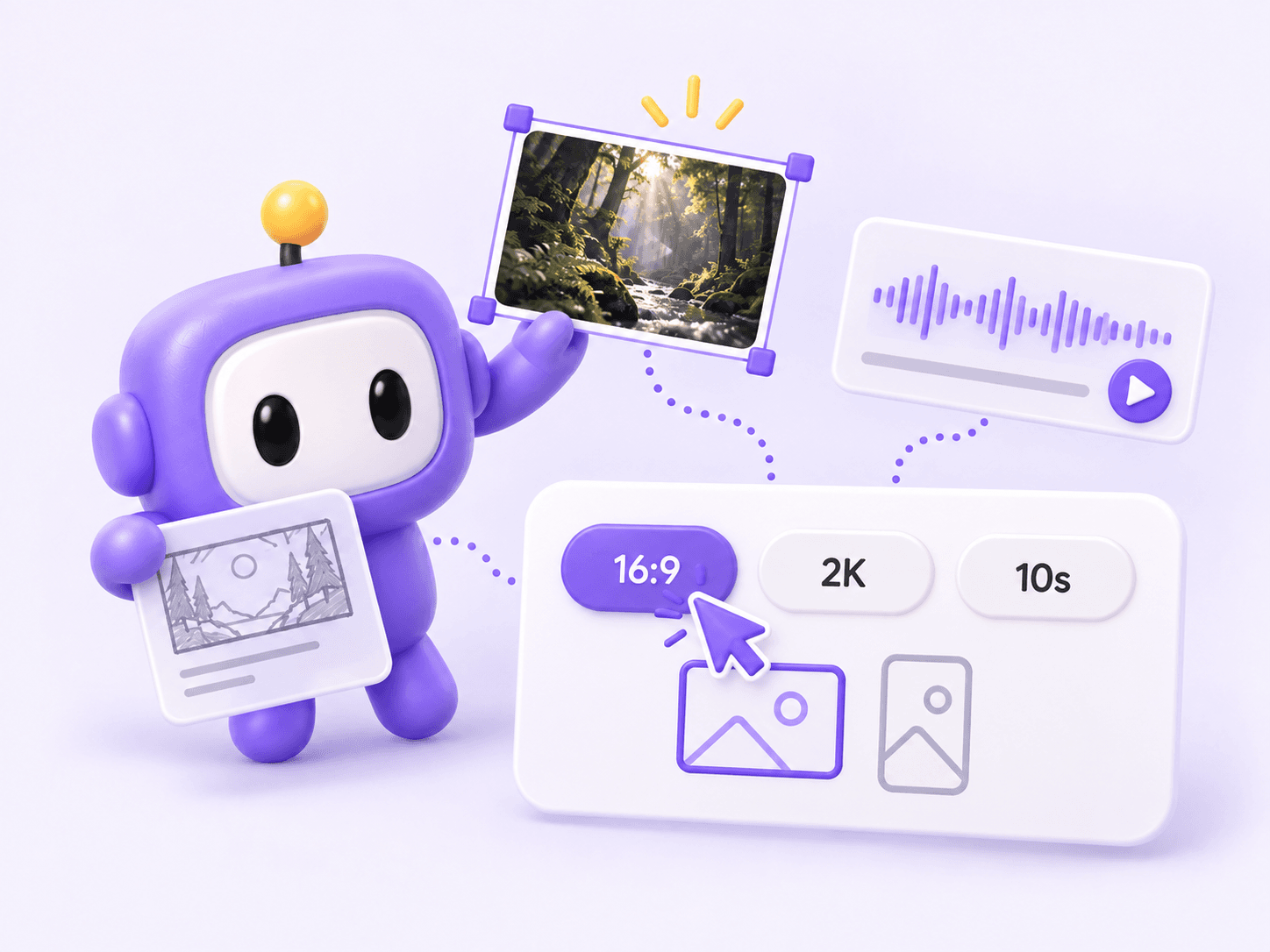
Attach only the images, clips, or audio that have a clear role, then choose an aspect ratio, 768P or 2K resolution, and a 5–15 second duration.
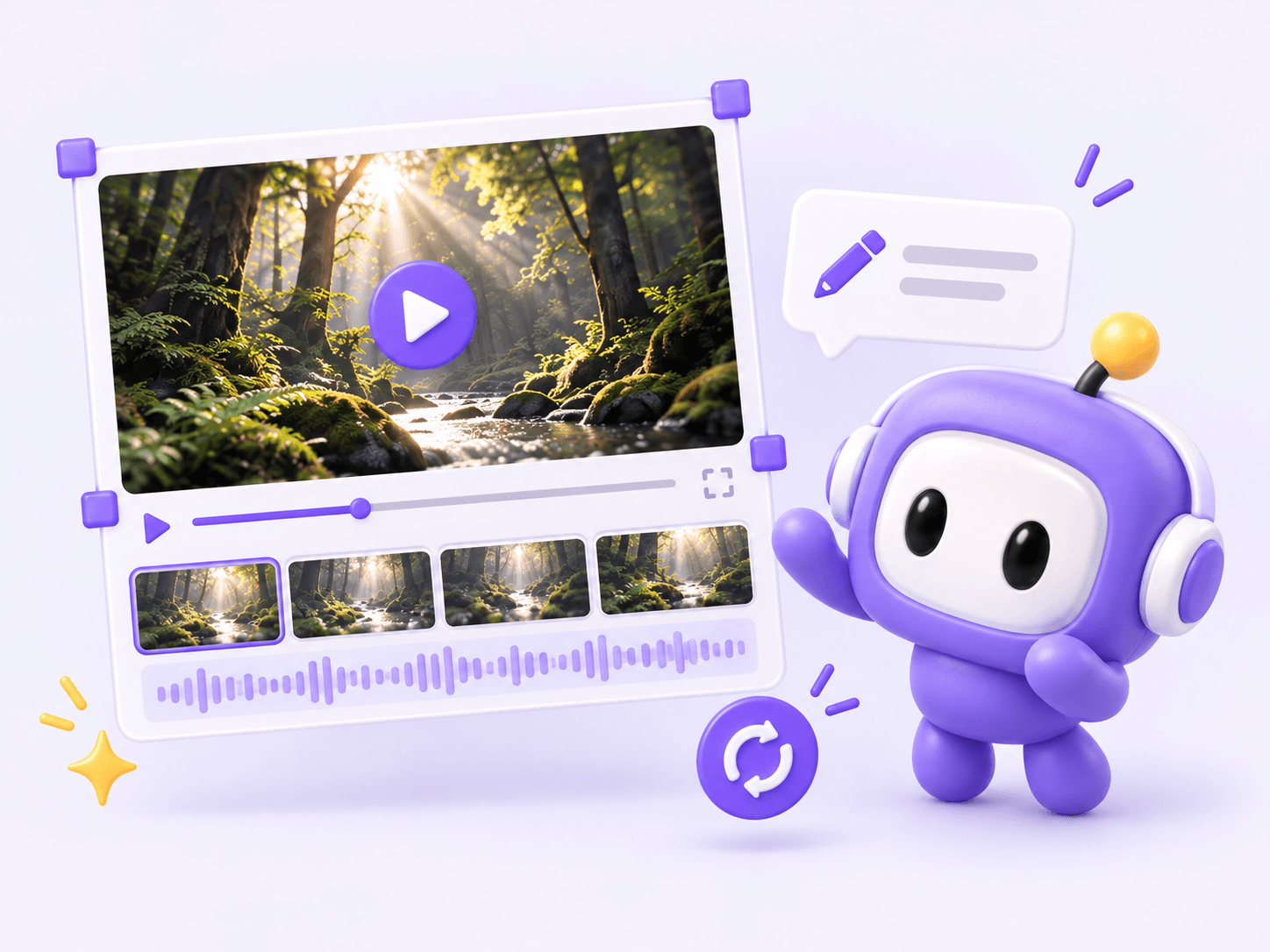
Watch the complete clip with sound. If one element misses the brief, request a specific change instead of replacing every successful detail.
Choose the right input
Start with the material you already have. Each MiniMax H3 workflow offers a different balance between invention, composition control, and reference fidelity.
Have images, video, or audio to guide your next clip? Explore MiniMax H3 Reference to Video for reference-based examples and a dedicated generator.
Six ways to create with MiniMax H3
Create 5-15 second clips for product marketing, cinematic scenes, ecommerce showcases, social media, game animation, and music visuals.
Launch teasers and brand ads
Turn a product image or campaign idea into a short ad with close-ups, camera movement, and sound. Explore different settings for the same product.
Film-style shots and storyboards
Create atmospheric establishing shots, character moments, and dramatic reveals. Describe the lighting, framing, and camera movement to shape a cinematic scene.
Product pages and shopping campaigns
Animate catalog photos into product reveals and detail shots. Show textures, materials, and lifestyle settings for use in product listings and shopping ads.

Reels, Shorts, and vertical clips
Make short vertical videos with visual hooks, transitions, and synchronized sound. Create clips for product tips, announcements, or everyday social posts.
Character intros and world previews
Bring character art and environment concepts into motion. Create animated character introductions, fantasy scenes, and short teaser shots for a game or animation project.
Performance concepts and visual loops
Combine a prompt with image or audio references to explore performance shots, abstract motion, and mood-driven scenes for music teasers or visualizer clips.
Plans and generation costs
Choose a one-time credit pack based on the number, duration, and resolution of the videos you plan to generate. Purchased credits do not expire.
Try your first ideas and find the right look.
One-time payment · No subscription
99 credits included
Approx. $0.10 per credit
Video counts exclude additional reference costs.
Create fresh content for your next campaign.
One-time payment · No subscription
370 credits included
Approx. $0.081 per credit
Video counts exclude additional reference costs. Credit savings compared with Starter.
Produce more videos for brands and client projects.
One-time payment · No subscription
1,665 credits included
Approx. $0.06 per credit
Video counts exclude additional reference costs. Credit savings compared with Starter.





Frequently asked questions
Answers about using MiniMax H3, free credits, local deployment, open weights, model size, and generation capabilities.
Choose Text to Video, Image to Video, or Reference in the generator above. Add your prompt and reference files, select the aspect ratio, resolution, and duration, then sign in and generate. Check the estimated credit cost before submitting.
You can use this browser-based generator through MiniMaxm, an independent third-party service. MiniMax also provides official access through Hailuo and its developer platform. Features and pricing vary by service.
New MiniMaxm accounts start with 20 credits. A 5-second 2K text-to-video clip costs 20 credits; reference inputs can add to the cost. The starting balance is limited, not unlimited free generation.
The official hosted workflow uses automated content moderation and may block some requests. Restrictions depend on the service and deployment. Published model weights do not mean that every hosted service is unrestricted.
Yes. H3-Base supports local deployment. The documented full 2K workflow also uses hosted context-processing and regeneration services, so running the base model locally is not the same as running the complete official pipeline offline.
H3-Base weights are available under the MiniMax H3 Community License. H3-Context-IR and H3-Regenerate-2K are not included in that release. Check the official repository and license for the components you plan to use.
The H3-Omni-Transformer has 33 billion parameters. This describes the generation transformer, not the entire system or download size. Storage and GPU memory needs depend on the components, precision, and deployment setup.
MiniMax describes text-to-image tasks in the broader H3 training design. This website offers video generation with image inputs, not a separate still-image generation mode.
MiniMax develops the H3 model. MiniMaxm operates this independent third-party website and is not the model developer.
Compare subject consistency, movement, fine text, and sound timing against the shot you need. Start with a short test before spending more credits. Complex actions, faces, and logos may require another attempt or editing.
No. MiniMaxm is an independent third-party experience and is not operated by MiniMax.
Start with a prompt, one or two frames, or a set of image, video, and audio references. Generate a 5–15 second clip with synchronized stereo sound in 768P or 2K.
Free Try Minimax H3 Generator